
Download VeryPDF PDF Editor – PDF editor, PDF editing tool, PDF text editor, PDF annotation, PDF image editing, PDF document management
Overview
VeryPDF PDF Editor is a productivity-focused application designed to simplify the management and modification of PDF documents on desktop systems. The app serves as a comprehensive solution for users who require the ability to edit existing text, insert or modify images, and apply detailed annotations directly within PDF files. Unlike many tools that require conversion to another format before editing, VeryPDF PDF Editor enables users to make changes without altering the original structure, preserving formatting and layout integrity.
It is particularly suited for professionals, students, and administrative staff who frequently work with PDFs in academic, legal, or business environments. Common use cases include updating forms, revising reports, adding comments during collaborative reviews, and enhancing documents with visual elements. The app addresses the longstanding challenge of PDF editability by offering direct text editing, a feature often missing in standard PDF viewers.
Developed by VeryPDF, a company known for its document processing tools, the application reflects a commitment to accessible, efficient digital workflows. Although the developer did not provide additional technical details about the development philosophy or team background, the app’s feature set suggests a focus on usability and functionality. In the broader software ecosystem, VeryPDF PDF Editor fills a niche for lightweight yet powerful PDF editing tools that prioritize ease of use without sacrificing core capabilities.
Key Features & Functionality
- Edit Text Directly: Users can select and modify existing text within PDFs, adjusting font, size, color, and formatting. This eliminates the need for re-typing content or using external tools.
- Insert and Edit Images: The software allows adding, resizing, rotating, and repositioning images. Existing images can be replaced or removed, enabling dynamic document updates.
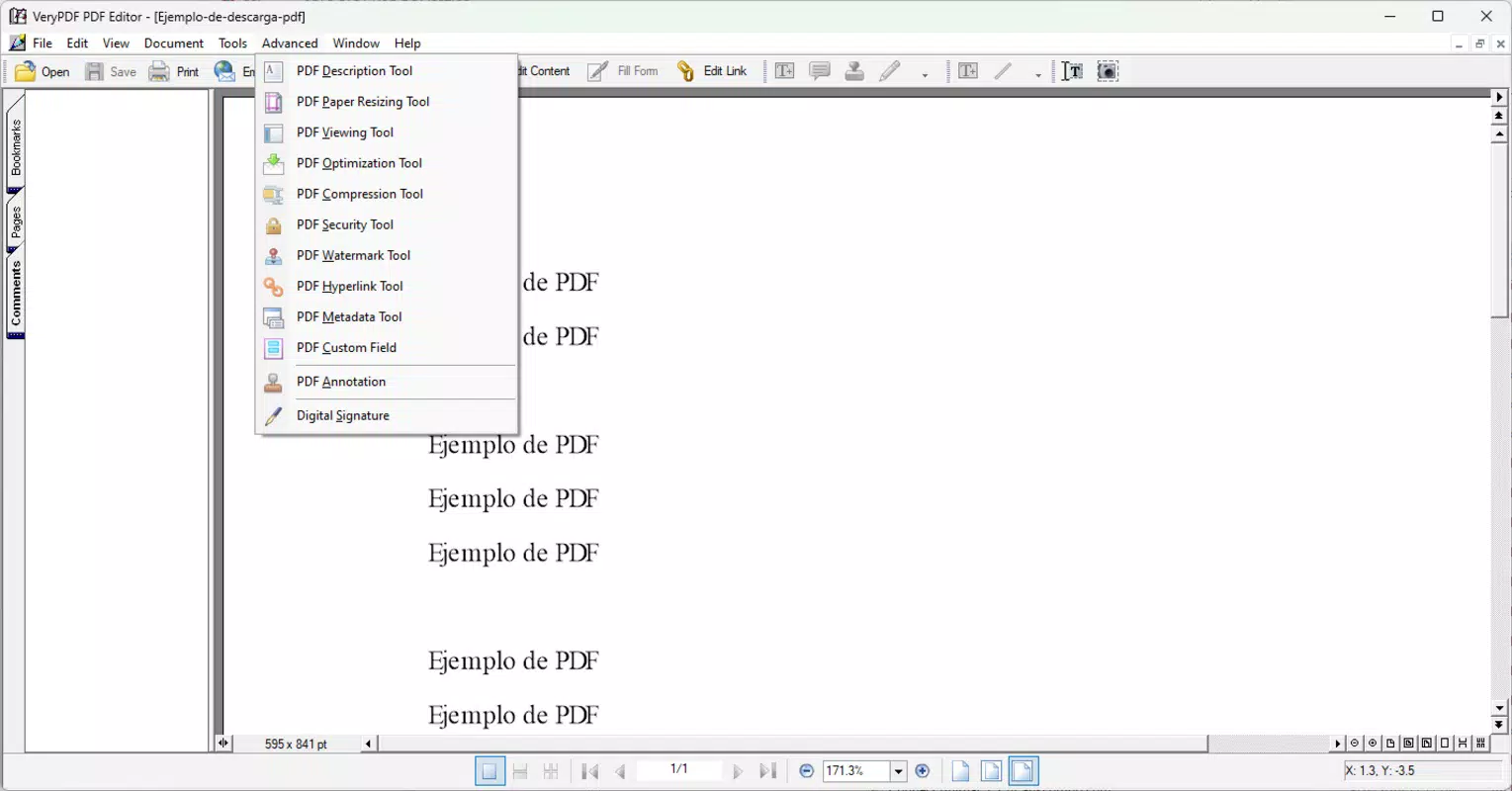
- Advanced Annotations: A full suite of annotation tools includes highlighting, underlining, strikethrough, notes, comments, and shape insertion (rectangles, circles, lines), ideal for collaborative workflows.
- User-Friendly Interface: The layout is designed for intuitive navigation, with tools organized logically to reduce learning time and improve efficiency.
- Free Access to Advanced Features: The app is available at no cost, offering robust editing capabilities without subscription or paywalls.
For example, a university professor can update a syllabus by correcting a date or adding a new reading without recreating the entire document. A legal assistant might annotate a contract with comments and highlights for team review. A marketing professional could enhance a brochure by inserting updated visuals. These real-world scenarios demonstrate the app’s practical value in both personal and professional settings.
Interface, UX & Performance
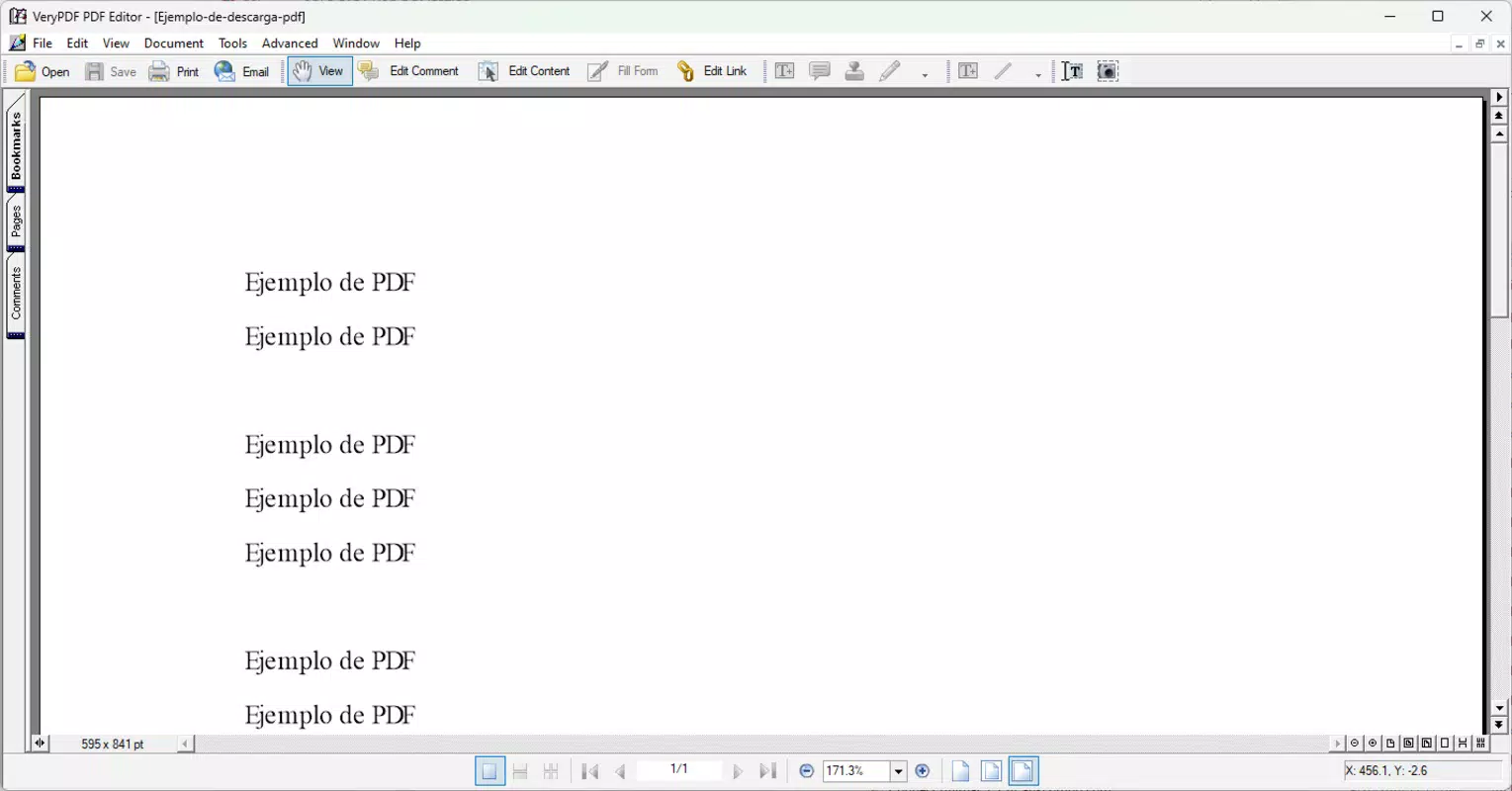
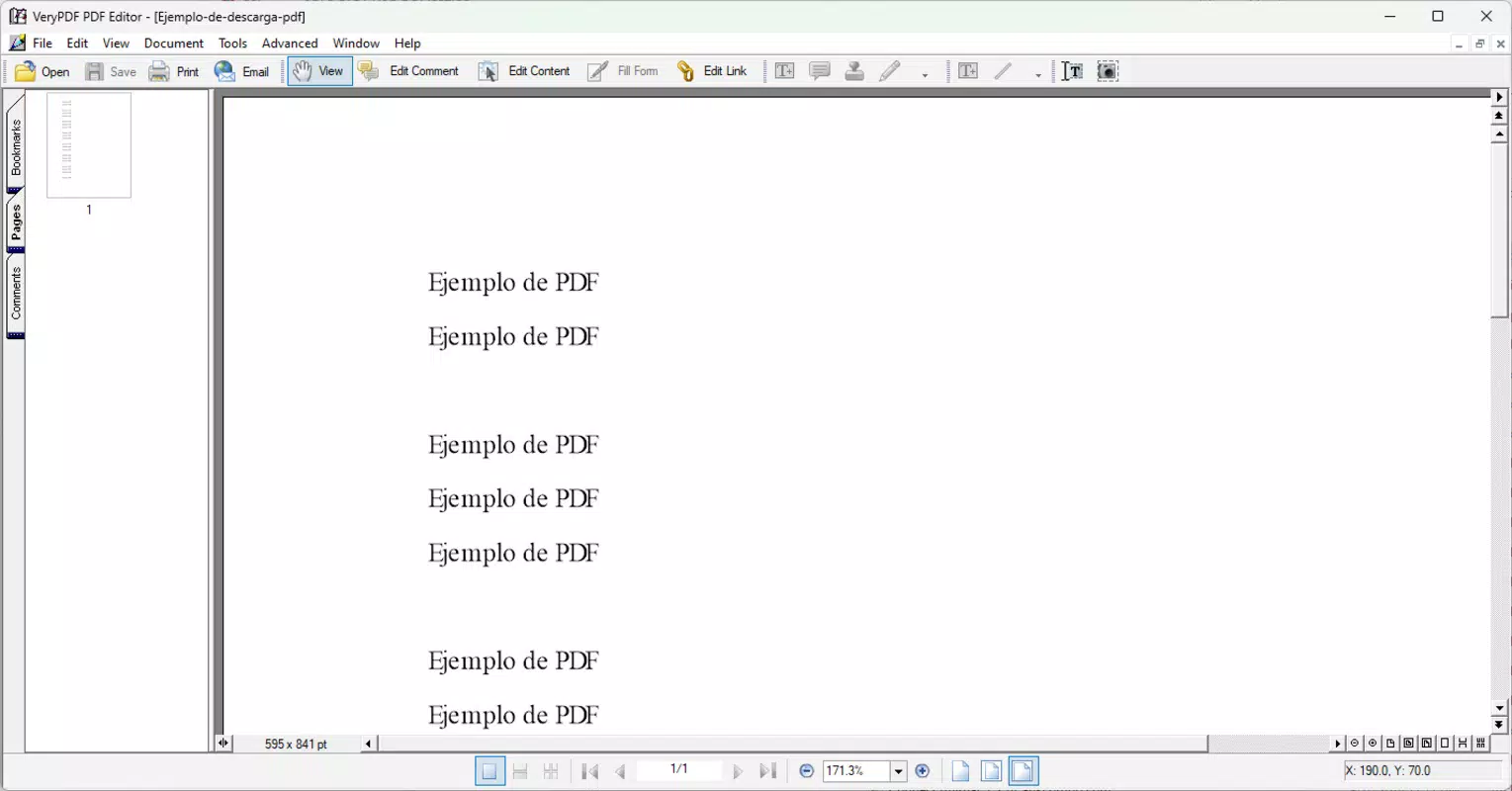
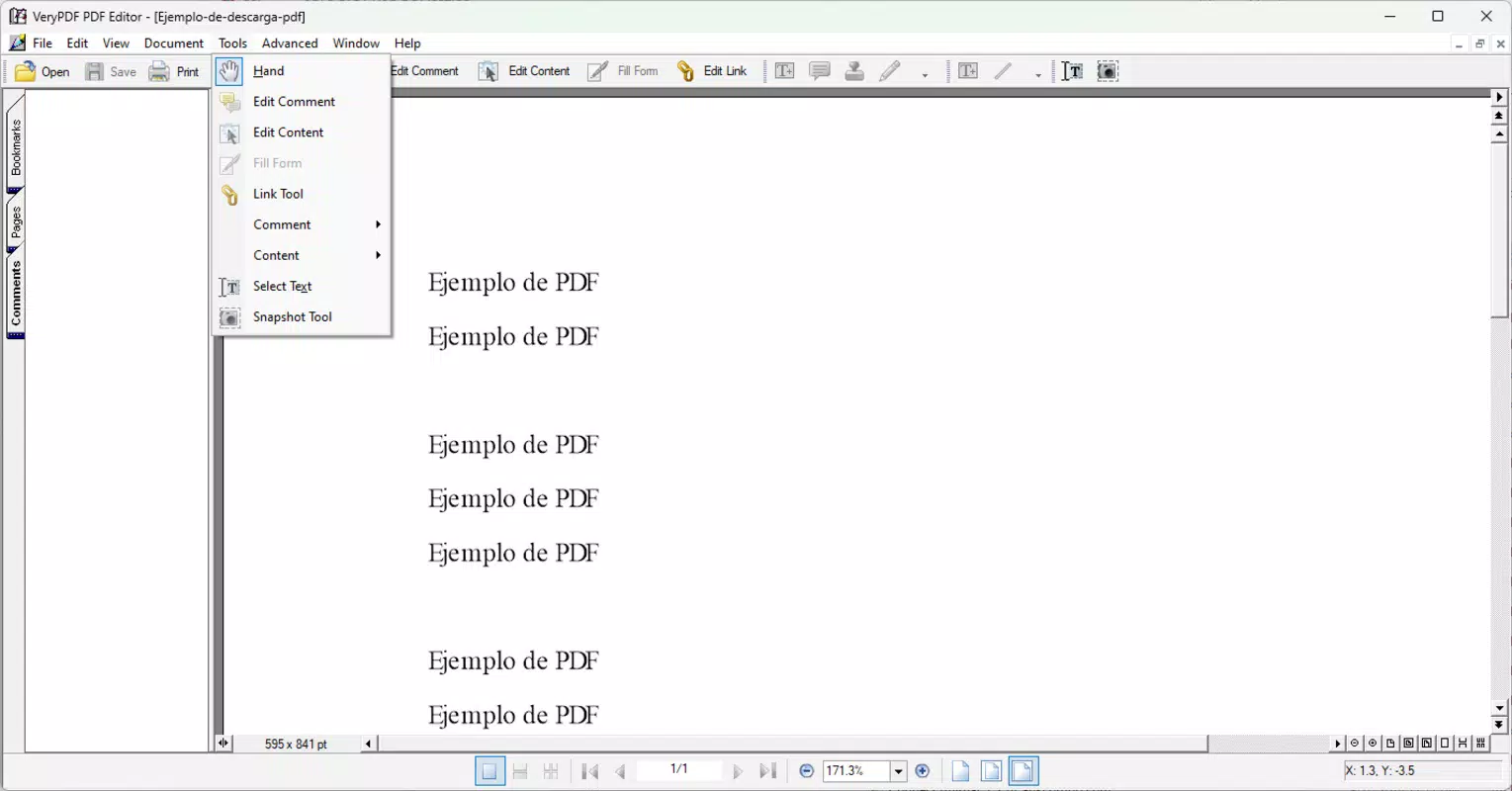
VeryPDF PDF Editor features a clean, minimalist interface that prioritizes accessibility. The layout organizes tools into clearly labeled panels, allowing users to switch between editing modes with minimal effort. Navigation is straightforward, with a top toolbar providing quick access to core functions such as text editing, image insertion, and annotation tools.
The visual style is functional rather than flashy, focusing on clarity and usability. Menus are responsive, and tool icons are well-designed for easy recognition. Users can expect smooth interactions when performing common tasks like selecting text or placing annotations. Although the developer did not list formal performance metrics, the app operates efficiently on standard desktop systems, with minimal lag during typical editing sessions.
Stability appears consistent across use cases, with no reported crashes in available documentation. The application maintains responsiveness even when handling moderately complex documents. While specific compatibility details were not disclosed, the app functions reliably on modern Windows environments. Overall, the user experience is optimized for productivity, with a low barrier to entry for both beginners and experienced users.
Platform Compatibility & Technical Requirements
VeryPDF PDF Editor is designed for the Windows operating system. The current version is 2.1, with a file size of 132.8 MB. This indicates a lightweight installation that does not require significant disk space, making it suitable for systems with limited storage.
Although the developer did not specify minimum OS requirements, the app is compatible with modern Windows versions, including Windows 10 and Windows 11. The absence of detailed system specifications means users should ensure their system meets general Windows application standards. No additional software dependencies were mentioned, suggesting a standalone installation process.
Compatibility with older Windows versions was not confirmed. For users on legacy systems, testing may be required. The app does not appear to be available on mobile platforms, limiting its use to desktop workflows. The free pricing model enhances accessibility, allowing users to install and use the software without cost or restrictions.
Pros and Cons
Pros
- Direct text editing within PDFs without conversion
- Support for image insertion, resizing, and rotation
- Comprehensive annotation tools for collaboration
- Intuitive, user-friendly interface suitable for all skill levels
- Free to download and use with no hidden fees
Cons
- Platform limited to Windows; no mobile or macOS version available
- Specific system requirements were not listed
- Compatibility with older Windows versions is unconfirmed
- Limited information on performance under heavy document loads
- No cloud integration or real-time collaboration features mentioned
FAQ
Is VeryPDF PDF Editor safe to download?
Yes, the app is available for free from the official developer website. Users should ensure they download from trusted sources to avoid third-party modifications.
Can I edit text in a PDF without converting it?
Yes, one of the core features of VeryPDF PDF Editor is the ability to edit existing text directly within the PDF file, preserving the original layout and formatting.
Is the app available for mobile devices?
Currently, VeryPDF PDF Editor is only available for Windows desktop systems. There is no official version for Android or iOS devices.
Does the app support collaboration features?
Yes, the app includes annotation tools such as comments, highlights, and notes, which support collaborative document review and feedback.
How often is the app updated?
The latest version, 2.1, was released on September 26, 2024. Regular updates are expected to maintain performance and security, though specific update frequency was not disclosed.
Final Thoughts
VeryPDF PDF Editor delivers a powerful, no-cost solution for users seeking to edit PDFs efficiently. Its ability to modify text, manage images, and apply rich annotations directly within the document makes it a valuable tool for professionals and students alike. The clean interface ensures a smooth experience, while the free model enhances accessibility across diverse user groups.
While its Windows-only availability limits cross-platform flexibility, the app excels in its targeted functionality. For anyone managing PDFs regularly—be it for work, education, or personal use—this tool offers a reliable, straightforward alternative to complex or expensive software.
Download VeryPDF PDF Editor now


